buttons - Master This Word
Master this word with our 5-step learning method – Learn English in English
Train English Through Brain Routes, Not Translation.
This page helps you stop memorizing isolated translations and start understanding a word through its shared mental image, native-style thinking, and practical training steps.
Master this word with our 5-step learning method – Learn English in English
Example sentences are the start of understanding. Don't rush to memorize. First feel how the word works in a sentence.
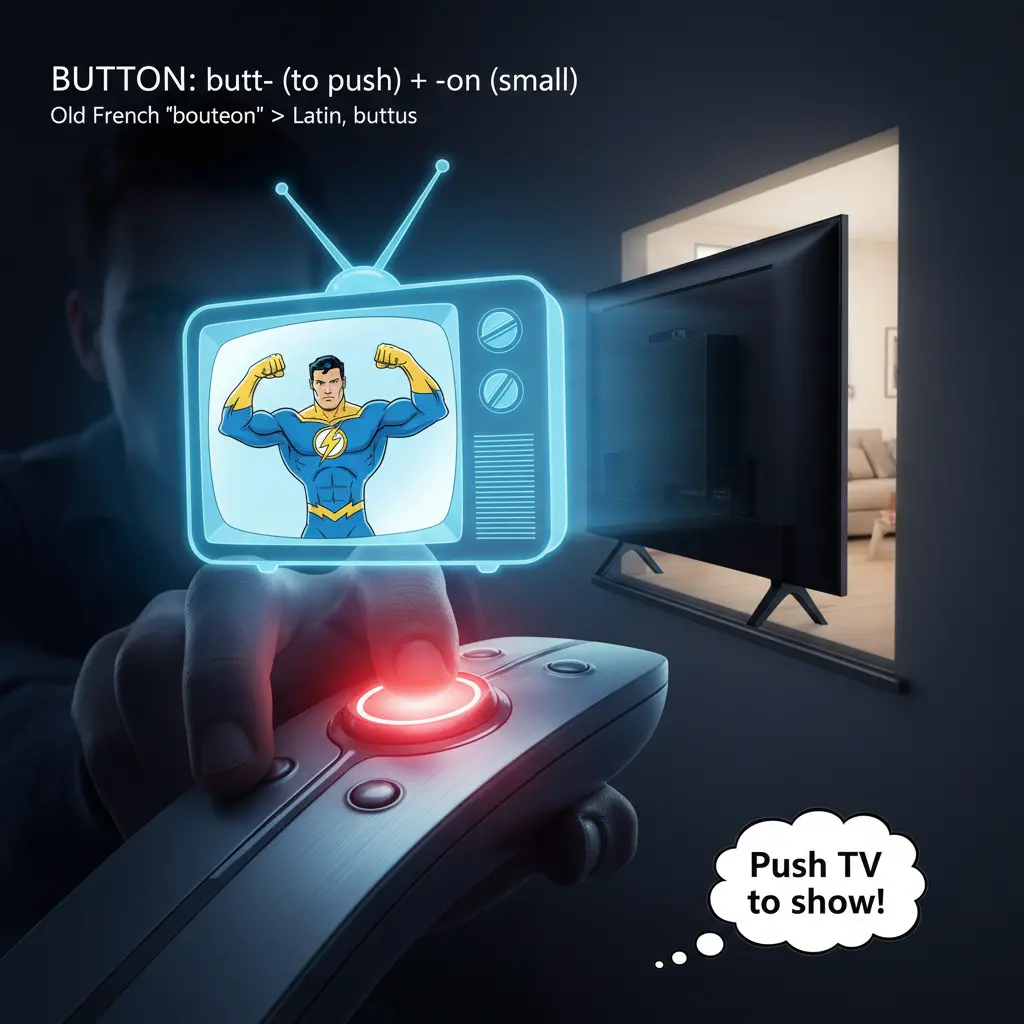
Root decomposition: butt- (to push) + -on (diminutive suffix). Historical origin: From Old French 'bouteon', derived from Latin 'buttus'. Memory image: Imagine pressing a button on a remote control to push the TV to show your favorite show.
Note 1: These definitions and etymologies are not standard dictionary definitions, but extended explanations provided to help with memorization and understanding of the actual application of words. Through this background information, we strive to make words more vivid and easier to understand, and help you remember their meanings in real life.
Note 2: LexiTalk designs the learning flow around the linguistics principle of “Comprehensible Input.” When learners encounter material that is slightly above their level but still understandable from context, the brain naturally absorbs the language. That’s why we keep every word inside authentic contexts, using examples and associations to help you understand it and use it flexibly.
Read the FAQ explanation of Comprehensible InputI move my finger toward a small, round button on the device. I push and hold, then feel the click and a change in what happens next. The effort is small but steady, a tiny push that sets the task in motion. I notice how the action narrows my options: I can let the device respond, or I can adjust and try again.
Button is a small, usually round object you press to operate something; it also refers to a fastener on clothing and to a graphical user interface element that activates a function. In everyday English, people talk about pressing a button on a microwave, a doorbell, or a video game controller, and about buttoning up a shirt. Learners often confuse the clothing fastener with a GUI control, or use button when they should use switch, knob, or zipper in some contexts. Common collocations include press a button, click the button, button up a shirt, or fasten a button. The etymology links butt- (to push) with -on (a diminutive). Memory aid: imagine a remote control needing a press to show something.
In English, button covers three broad uses—physical controls, clothing fasteners, and UI elements—with context guiding which sense is meant. Learners must notice noun vs verb forms and when to use press, click, or tap. A common pitfall is treating all buttons as physical objects and failing to recognize on-screen buttons.
What is the meaning of the word 'buttons'?
Which sentence uses 'buttons' correctly?
Which word is most similar to 'buttons'?
What is the opposite of 'buttons'?
Can you think of a real-life context where 'buttons' would be important?
Download LexiTalk app for personalized learning experience
Download AppCookies
We use cookies for essential site functions, analytics, and ads. You can accept, reject, or manage preferences. Privacy Policy