internet - Master This Word
Master this word with our 5-step learning method – Learn English in English
Train English Through Brain Routes, Not Translation.
This page helps you stop memorizing isolated translations and start understanding a word through its shared mental image, native-style thinking, and practical training steps.
Master this word with our 5-step learning method – Learn English in English
Example sentences are the start of understanding. Don't rush to memorize. First feel how the word works in a sentence.
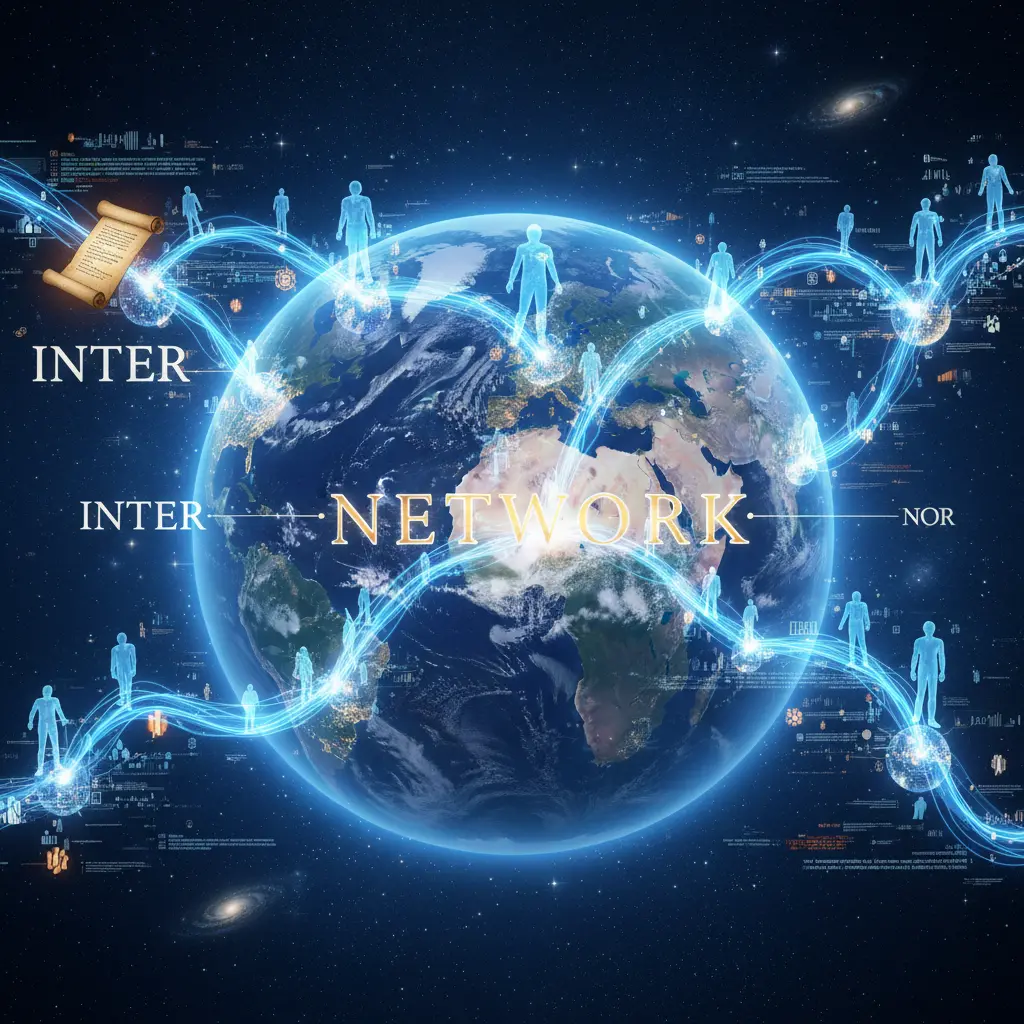
Inter- = between, network = a system of interconnected people or things. Origin: Latin → French → English. Picture a vast web connecting people globally, where information flows freely like water through a river.
Note 1: These definitions and etymologies are not standard dictionary definitions, but extended explanations provided to help with memorization and understanding of the actual application of words. Through this background information, we strive to make words more vivid and easier to understand, and help you remember their meanings in real life.
Note 2: LexiTalk designs the learning flow around the linguistics principle of “Comprehensible Input.” When learners encounter material that is slightly above their level but still understandable from context, the brain naturally absorbs the language. That’s why we keep every word inside authentic contexts, using examples and associations to help you understand it and use it flexibly.
Read the FAQ explanation of Comprehensible InputI place my hand on the desk and lean toward the glow of the screen. I move the mouse and watch the cursor shift across the page. Each click takes a little effort as I adjust my aim and decide what to open. Meaning arrives as a web of people and ideas unfurls in the glass, a map that expands with every tap.
The internet is a vast, interconnected system of networks that links computers, servers, and devices around the world. It enables rapid information travel, supports email, search engines, social media, and streaming services, and underpins countless daily tools. Accessed via browsers, apps, and various devices, its architecture includes protocols like TCP/IP and the World Wide Web as a major component. Understanding the internet helps learners describe online activities, digital citizenship, privacy, and the globalization of communication, commerce, and culture.
For English speakers, internet is conceptualized as a global, abstract network rather than a single site; learners often picture it as a concrete place online or confuse it with a specific webpage, leading to mistakes with articles and prepositions.
What is the best definition of the word internet?
Which sentence uses the word internet correctly?
Which word is most similar in meaning to internet?
Which word is an opposite or contrasts with internet?
Can you give a real-life example where you would use the word (sentences avoid the word itself)?
Technology & Social Media
Listen NowDownload LexiTalk app for personalized learning experience
Download AppCookies
We use cookies for essential site functions, analytics, and ads. You can accept, reject, or manage preferences. Privacy Policy